fastpluggy-crud-tools
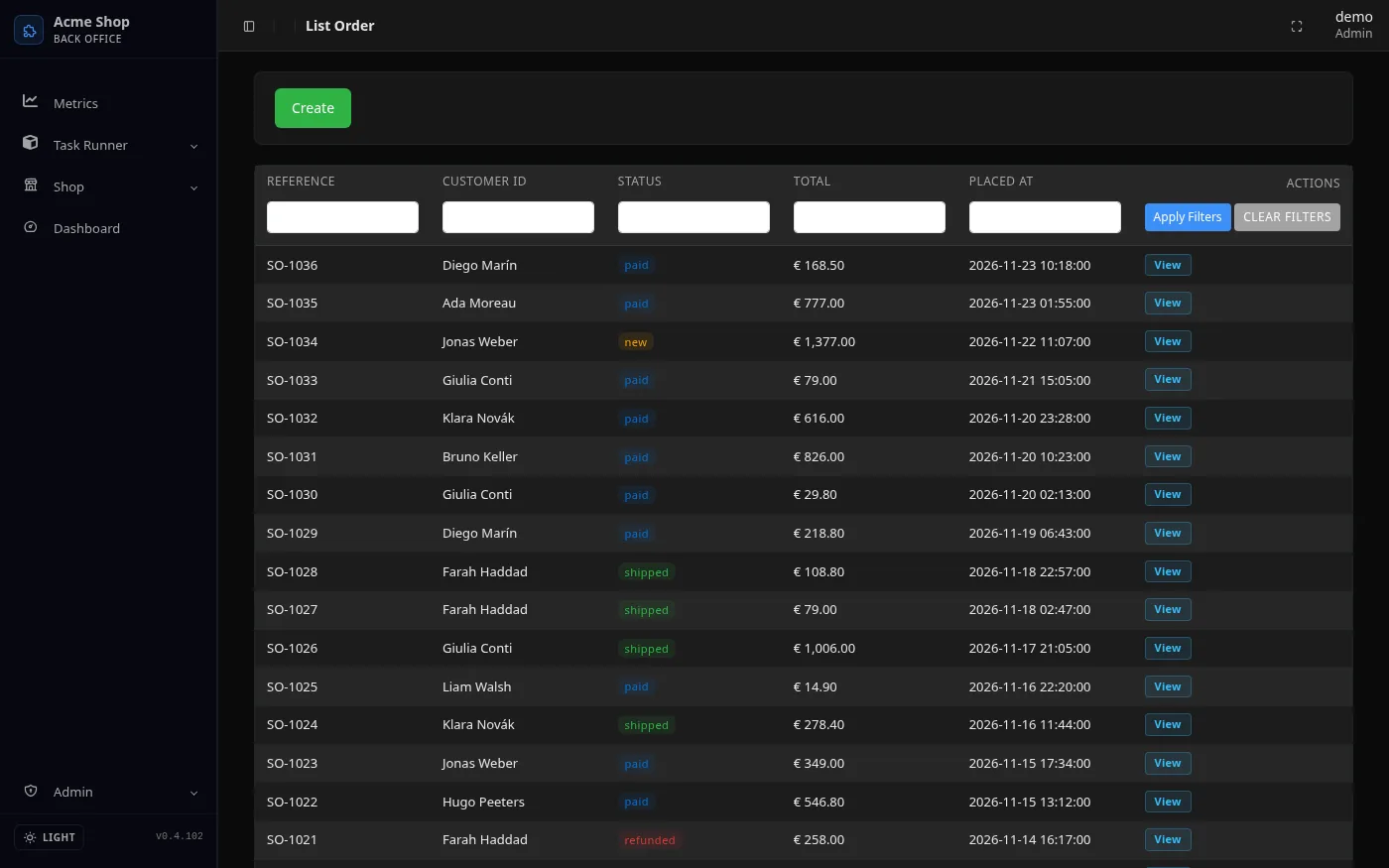
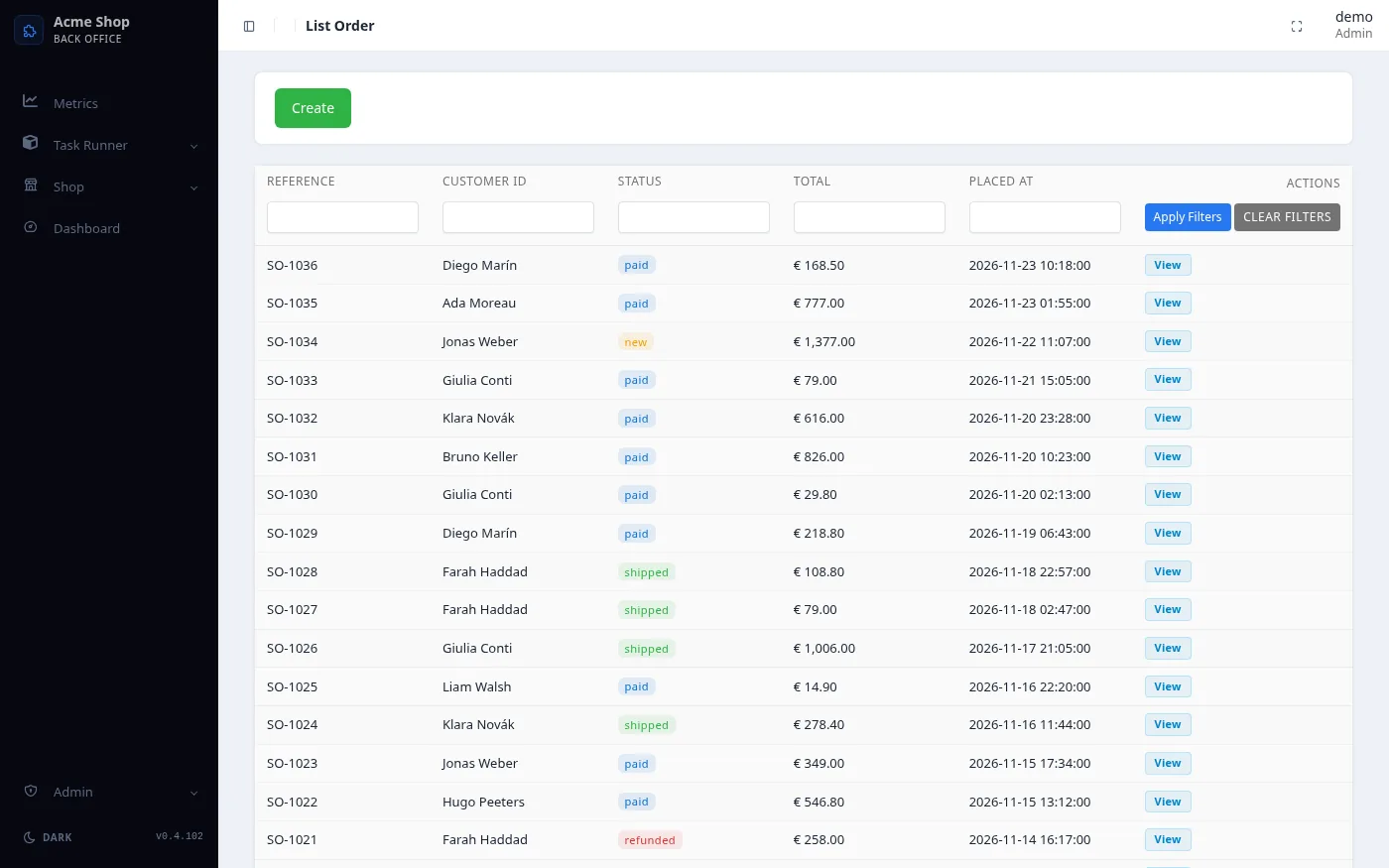
CRUD admin for your models: list, filter, create and edit screens, plus a REST API.
$ pip install fastpluggy-crud-tools --extra-index-url https://registry.fastpluggy.xyz/pypi/simple/
On screen
What it adds to your admin.
Captures of a demo app, a small shop back office with sample data, not drawings.
Install
One command, then a restart.
FastPluggy finds an installed plugin by itself when the app starts: no code to add, nothing to register.
Installing plugins, in the documentation ↗pip install fastpluggy-crud-tools --extra-index-url https://registry.fastpluggy.xyz/pypi/simple/Into the environment of your app, from the FastPluggy registry.- Restart the appThe plugin is discovered at startup and appears in the plugin manager, where you enable, disable and configure it.
Source
Read it, and see what is open on it.
The code and the issues of this plugin are readable without an account.
Every published version, on the registry ↗More in Admin & UI
- auth-userSession login, TOTP two-factor, rate limiting and account lockout, user and session admin.
- ui-toolsShared Jinja2 helpers, image processing and formatting tools for plugin pages.
- update-checkerTells you when the core or an installed plugin has a newer release.
- notification-centerBetaPersistent notifications with a topbar bell, event-bus integration and optional Web Push.
- website-builderBetaDrag-and-drop page builder. Pages are stored as JSON and rendered server-side.